A mirror that lives
in your Mac’s notch.
Notch Mirror drops a live camera preview out of the notch when you hover — and tucks it away when you don’t.

Notch Mirror drops a live camera preview out of the notch when you hover — and tucks it away when you don’t.
A glance
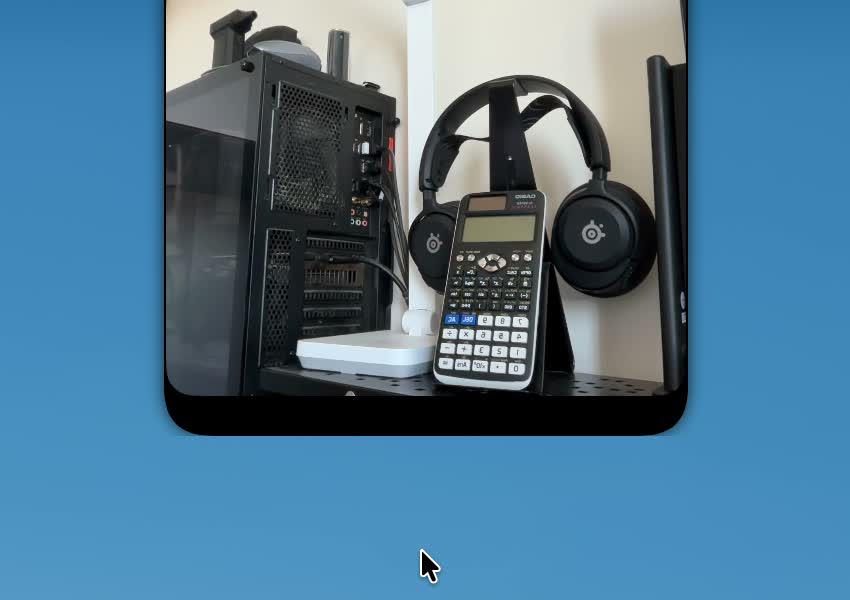
Move your pointer up to the notch and it quietly drops into a live mirror — check your hair, your lighting and your framing before a call. Move away and it tucks right back in, as if it were never there.
Cameras
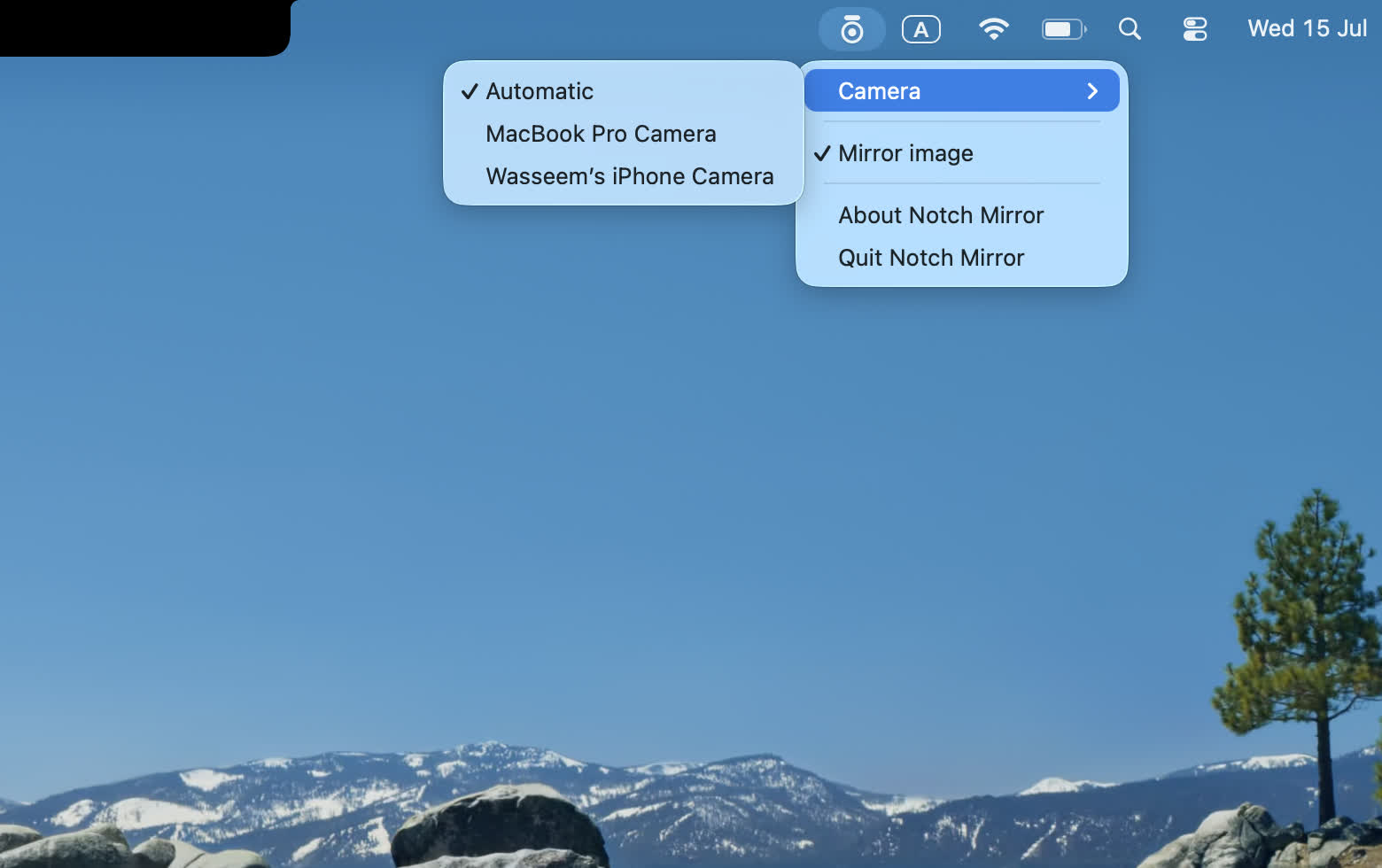
Not just the built-in FaceTime camera. Pick an external webcam, or your iPhone through Continuity Camera — whatever’s connected shows up in the menu bar, and you can switch between them on the fly.
There’s a mirror / true-view toggle here too: see yourself flipped like a mirror, or exactly how everyone else on the call sees you. The same menu lets you launch Notch Mirror at login, and turn off opening on hover so the notch only opens when you click it.
Pinning
Hovering is great for a quick glance — but click the mirror and it stays put, no need to keep your cursor there. Keep an eye on yourself through an entire video call, then click again to let it slip back into the notch.
Floating
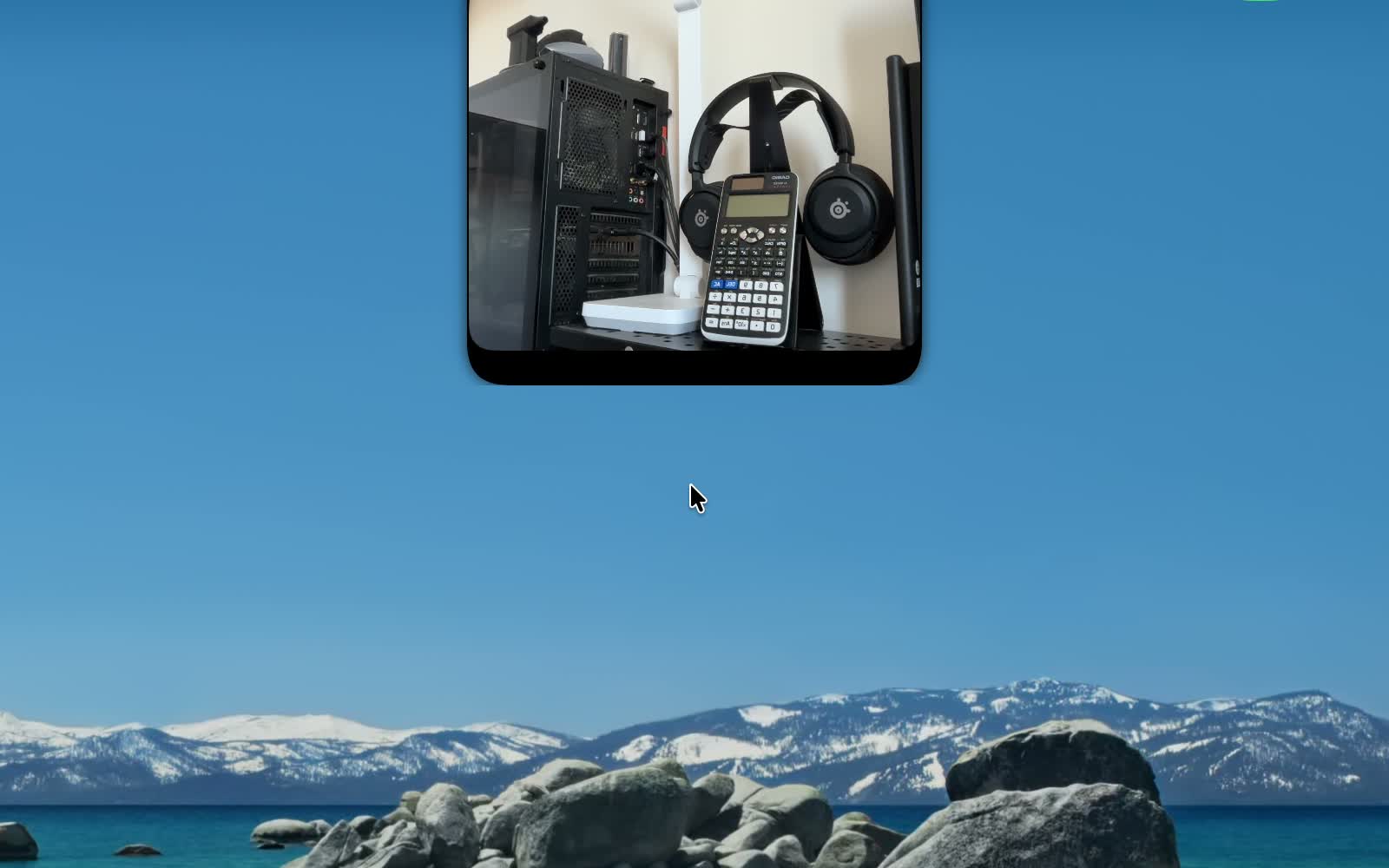
Drag the open mirror off the notch and it becomes a floating window you can put wherever you like. It stays on top of your other windows, on every desktop — right beside your call.
Pick Small, Medium or Large from the menu. When you’re done, drop it near the notch or flick it back, and it flies home.
Privacy
Notch Mirror shows a live preview and nothing more. It never records, saves, screenshots, or uploads anything, and it has no network access at all — it’s sandboxed and works entirely on your device.
Camera not showing up, or something acting odd? Email contact@wasseem.dev with your macOS version and what happened. I reply to everything.
Requires macOS 14 or later. Works on Macs with or without a notch (it docks to the top-center of the screen either way).