Password-protected PDFs
Collate asks for the password once, unlocks the file, and merges it like any other. No separate tool, no re-saving it somewhere else first.
Collate merges photos, scans and PDFs into a single document — on your Mac, iPhone or iPad.


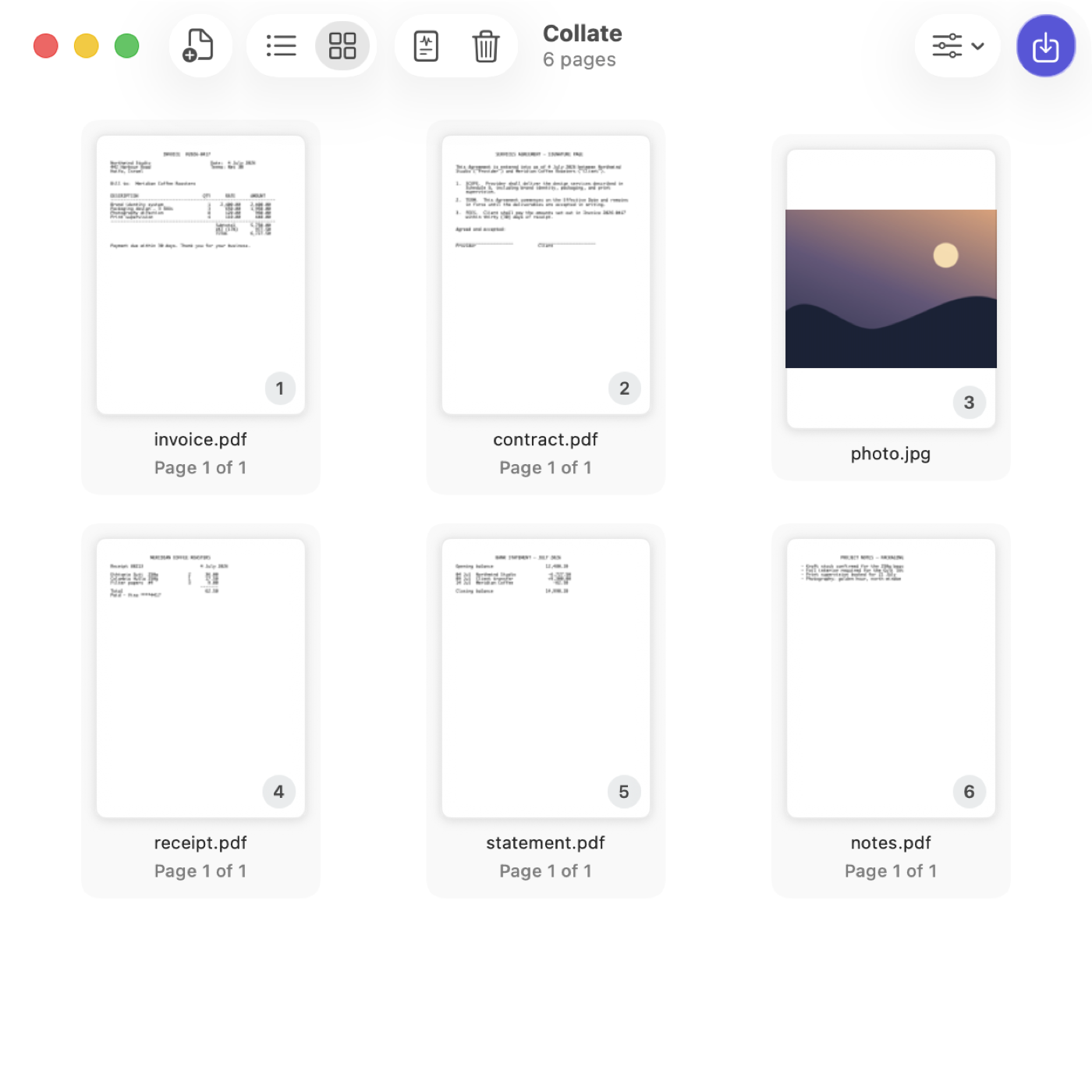
Arrange
So Collate reads the page number printed on the page and puts them right — in one action, keeping each PDF's pages together.
Or by file name, or by the date the photo was taken.
Order
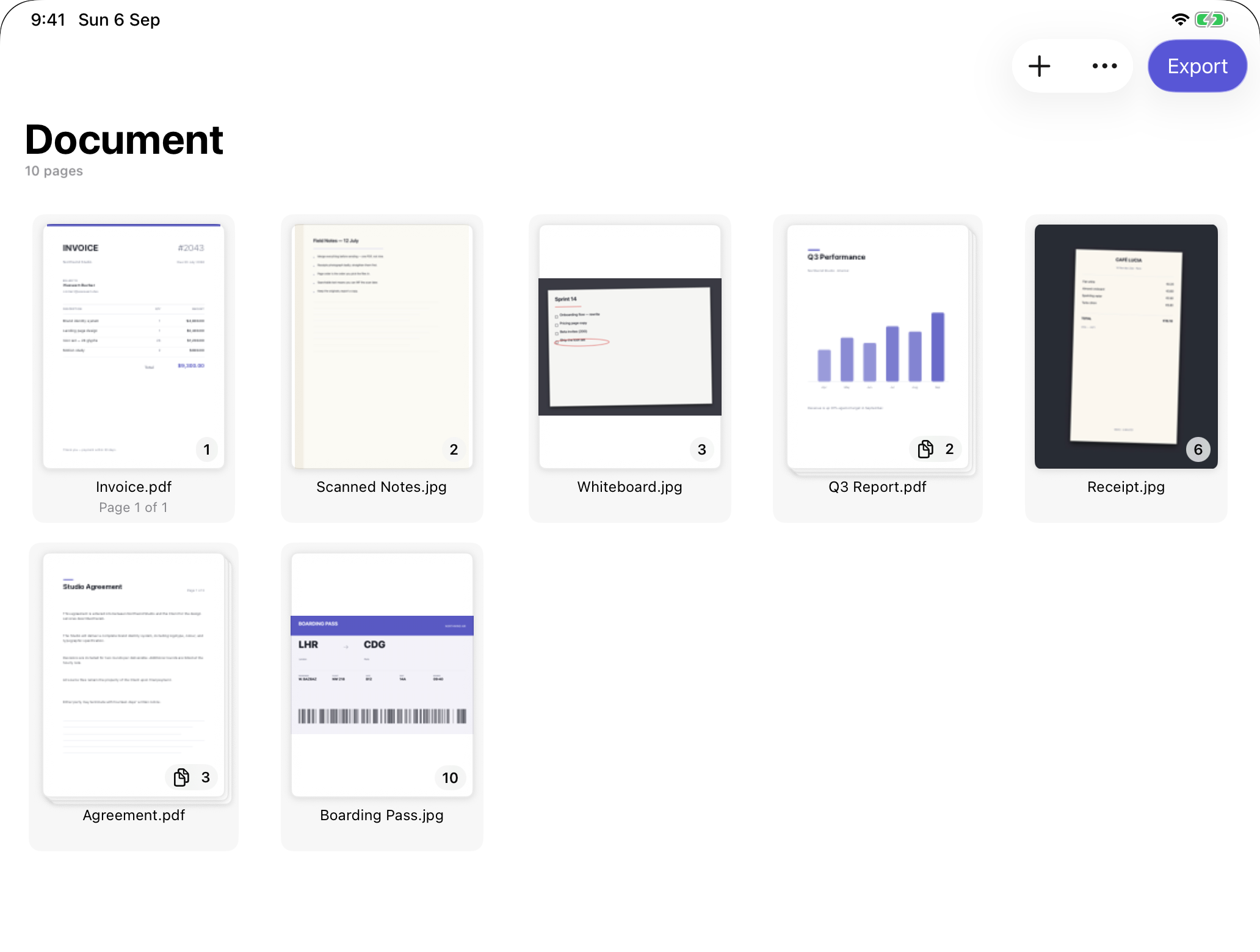
Drag to reorder in a list or a gallery. Rotate what's sideways, drop what you don't need, undo anything. A 40-page scan folds into one tidy row, so it never buries everything else.
Export
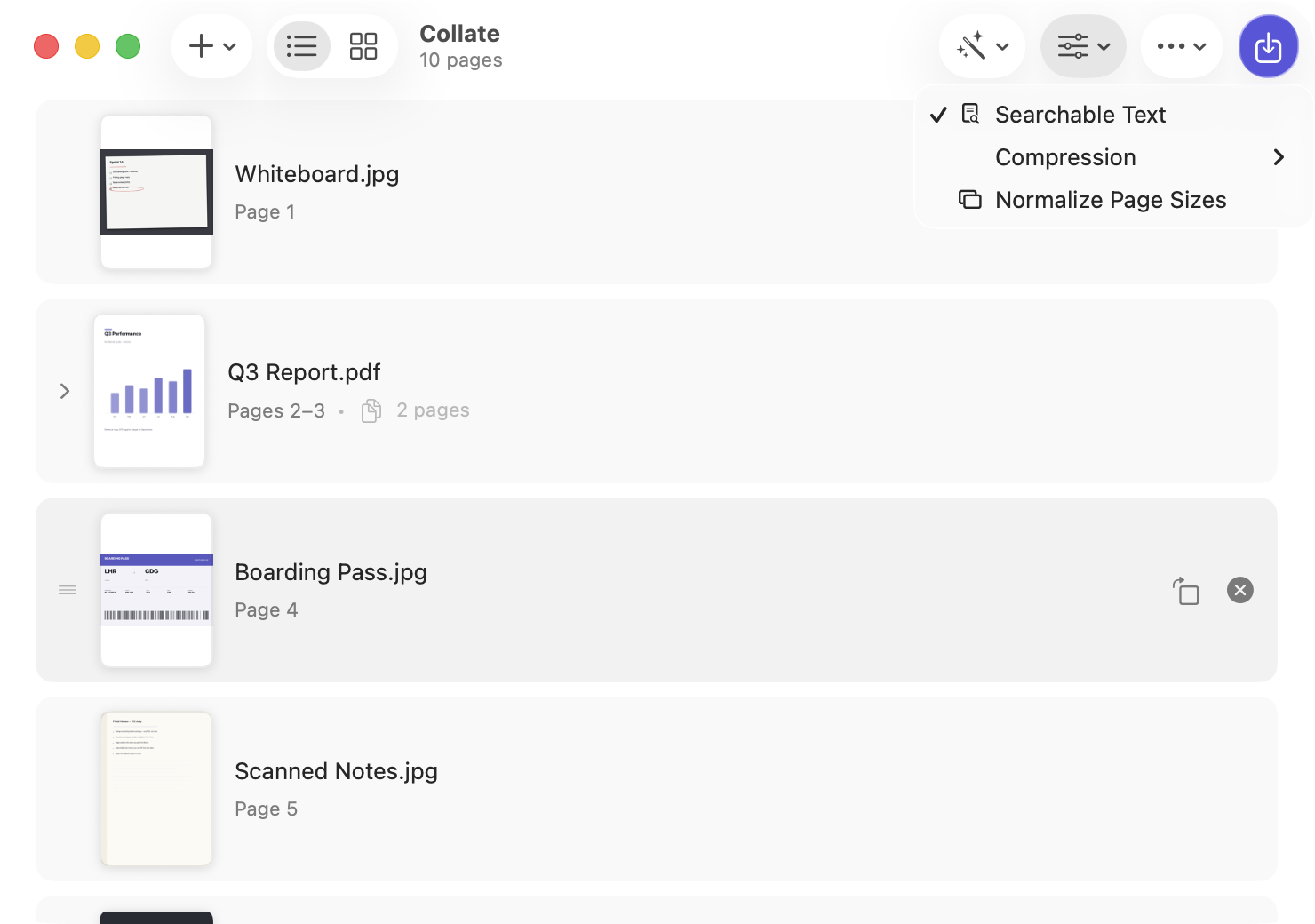
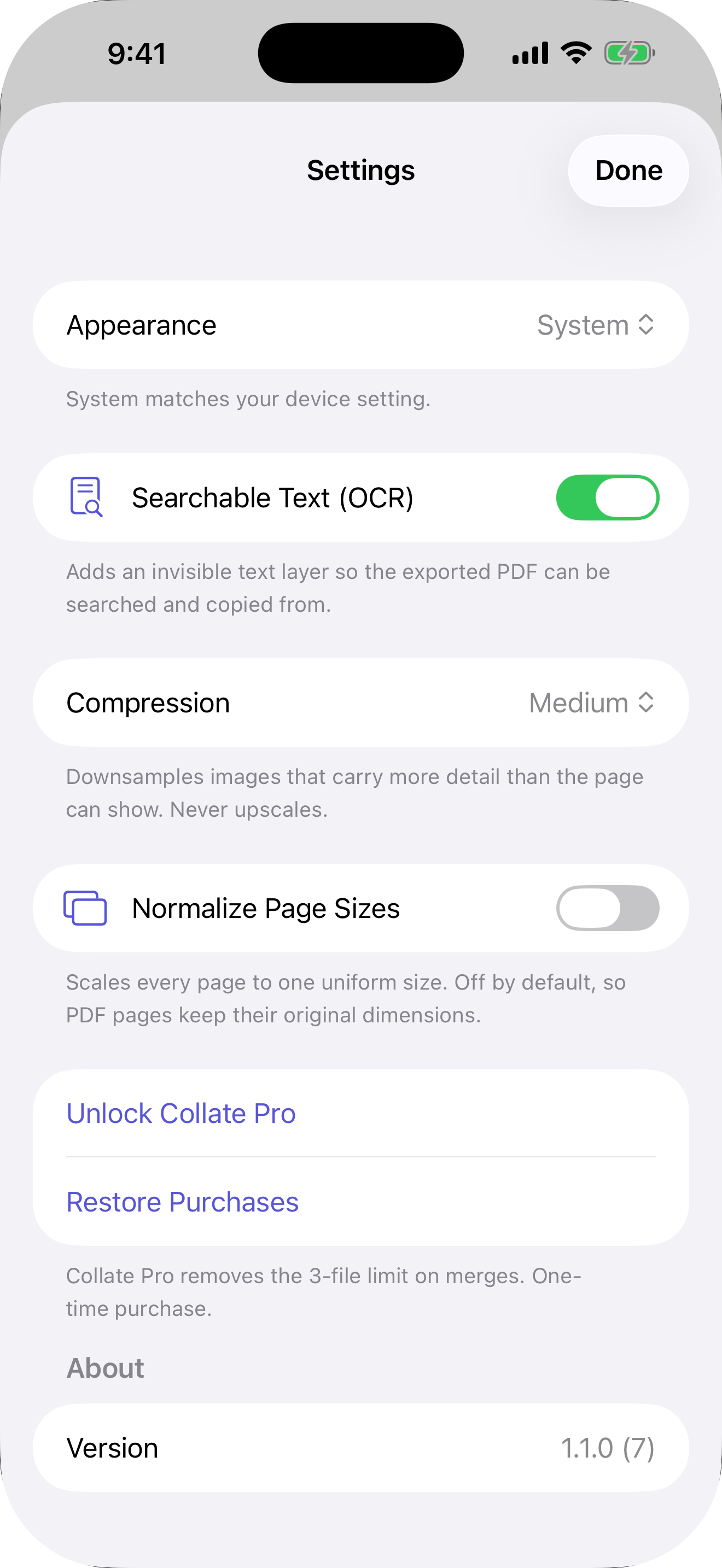
Optional OCR turns scans and photos into text you can search and select. Pages from existing PDFs are copied across natively — never flattened into pixels, so text stays text and vectors stay sharp.
Everything else
Collate asks for the password once, unlocks the file, and merges it like any other. No separate tool, no re-saving it somewhere else first.
Pull pages 12–18 out of a 200-page report without importing the whole thing first.
Select files on your Mac, right-click, and choose Services › Send to Collate. They land in the order you picked them.
The Merge Files action merges, OCRs, compresses and normalizes inside your own automations, without opening a window.
A4 contract, Letter invoice, phone photo? Normalize Page Sizes evens them out — scaled and centred, still sharp.
On iPhone and iPad, put paper straight into the merge. Import from Files or your Photo Library too.
Collate Pro
Merging up to three files is free, every time. When you need more, Collate Pro removes the limit for good — $9.99, once, never a subscription.
Every feature is in both versions. OCR, compression, Normalize and Arrange all work for free; Pro only lifts the file count. One purchase unlocks Mac, iPhone and iPad together.
Privacy
No analytics, no accounts, and your files are never uploaded. Collate is sandboxed, and every step — import, OCR, compression, export — happens on your device using Apple's own frameworks. The only thing that ever leaves is the purchase itself, handled by Apple.
Something broken, or a file Collate won't merge? Email contact@wasseem.dev with the OS version and, if you can, the file that caused it. I reply to everything.
Requires macOS 15 or later, or iOS 18 or later. Making scans searchable with OCR requires macOS 26 or iOS 26.